
App · Mouse and keyboard
Mouse and keyboard, virtual Xbox controller.
Turn your mouse and keyboard into a virtual Xbox 360 controller over XInput. Any Windows game recognizes it with zero setup. Response curve, macros, recoil and per-game profiles.
App
What's inside
Full mapping
Every key and mouse button to its controller button, left stick on WASD, power key and special shortcuts.
Sensitivity and curve
Stick, aim and expo knobs with an editable response curve. ~2 ms internal latency with a 500/1000 Hz mouse.
Macros
Macro editor with timings, combos and chords.
Recoil
Recoil control on the right stick, recorded pattern per weapon, aim buff and ADS aim buff.
AI recoil
Compensation that adapts by itself, from 80 ms down to 24 ms reaction. Also included in LITE.
AI Aim and Aim Color (PRO)
YOLO vision detection and enemy color detection, with aim lock. On GPU through DirectML.
Per-game profiles
Save, switch and share profiles. Live sticks and triggers.
4 languages and themes
Español, English, Português, Français. Theme and color to taste.
App
App screens
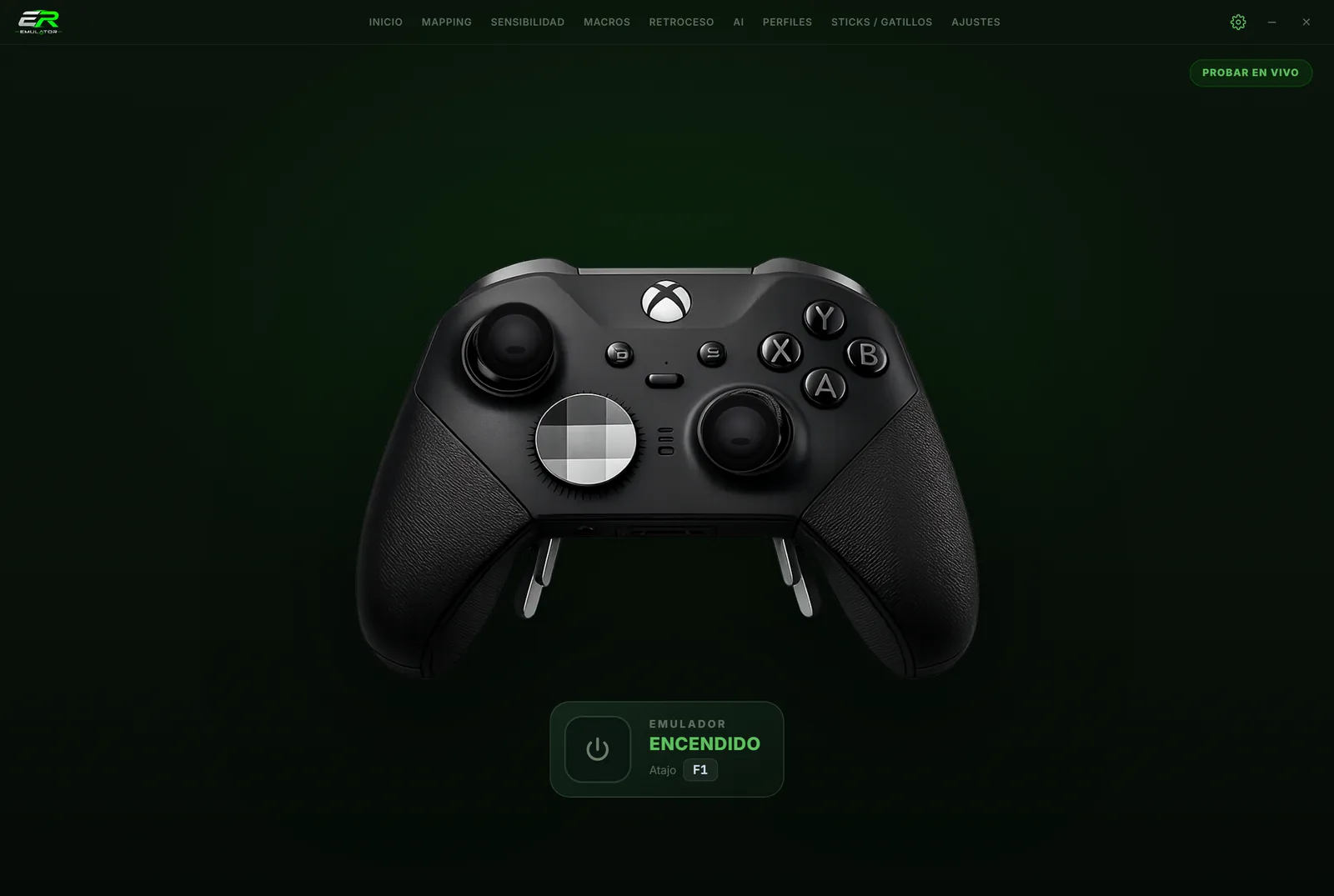
Home screen: the virtual controller live
App
Editions and price
Price per year and per PC. Renew whenever you want, no automatic charges. Updates included.
- Everything in LITE
- AI Aim by vision (YOLO)
- Aim Color
- Aim lock
- Automatic updates
- Mapping, macros and profiles
- Manual and per-weapon recoil
- AI recoil
- AI Aim by vision
- Aim Color
App
Requirements
- Windows 10/11 64-bit
- ViGEmBus (installed by Setup)
- Interception to capture the mouse 100 % (installed by Setup, requires reboot)
- The app runs as administrator (needed by Interception)
- DirectX 12 GPU for AI in PRO
App
Shortcuts and control
FAQ